Description
Generates a new image based on your inputs.
This all-in-one endpoint first translates your input (prompt and/or images) into a structured JSON prompt using the state-of-the-art Gemini 2.5 Flash VLM bridge. It then internally uses that JSON to generate the final, deterministic image.
Use this endpoint for professional workflows that demand the highest-fidelity interpretation of your creative vision. The response includes both the final image_url and the structured_prompt (JSON).
For advanced, programmatic control, you can also pass in your own structured_prompt (e.g., from a previous response or the /v2/structured_prompt/generate endpoint) to bypass the internal VLM bridge. This allows for precise, auditable refinement or recreation of an image, or to generate multiple variations from the same structured prompt.
Input Combination Rules
The request body must include one of the following mutually exclusive combinations:
prompt(Generates a new image from text)images(Generates a new image inspired by a reference image)images+prompt(Generates a new image inspired by an image and guided by text)structured_prompt(Recreates a previous image exactly, combined with a seed)structured_prompt+prompt(Refines a previous image using new text instructions, combined with a seed)
Examples
Use Case 1: Using a textual prompt
- Input Prompt:
photorealistic, high resolution rendering, balloon of lettering, "HAPPY NEW YEAR 2026", used color is Pantone Bran, Crocus, Deja vu blue, perfect composition and alignment, natural light set, white backdrop, ultra realistic, rich detail - Output Image:

- Output
structured_prompt: The full structured JSON returned for this example is omitted here; the response carries it in full.
Use Case 2: Drawing inspiration from a reference image
- Input Image:
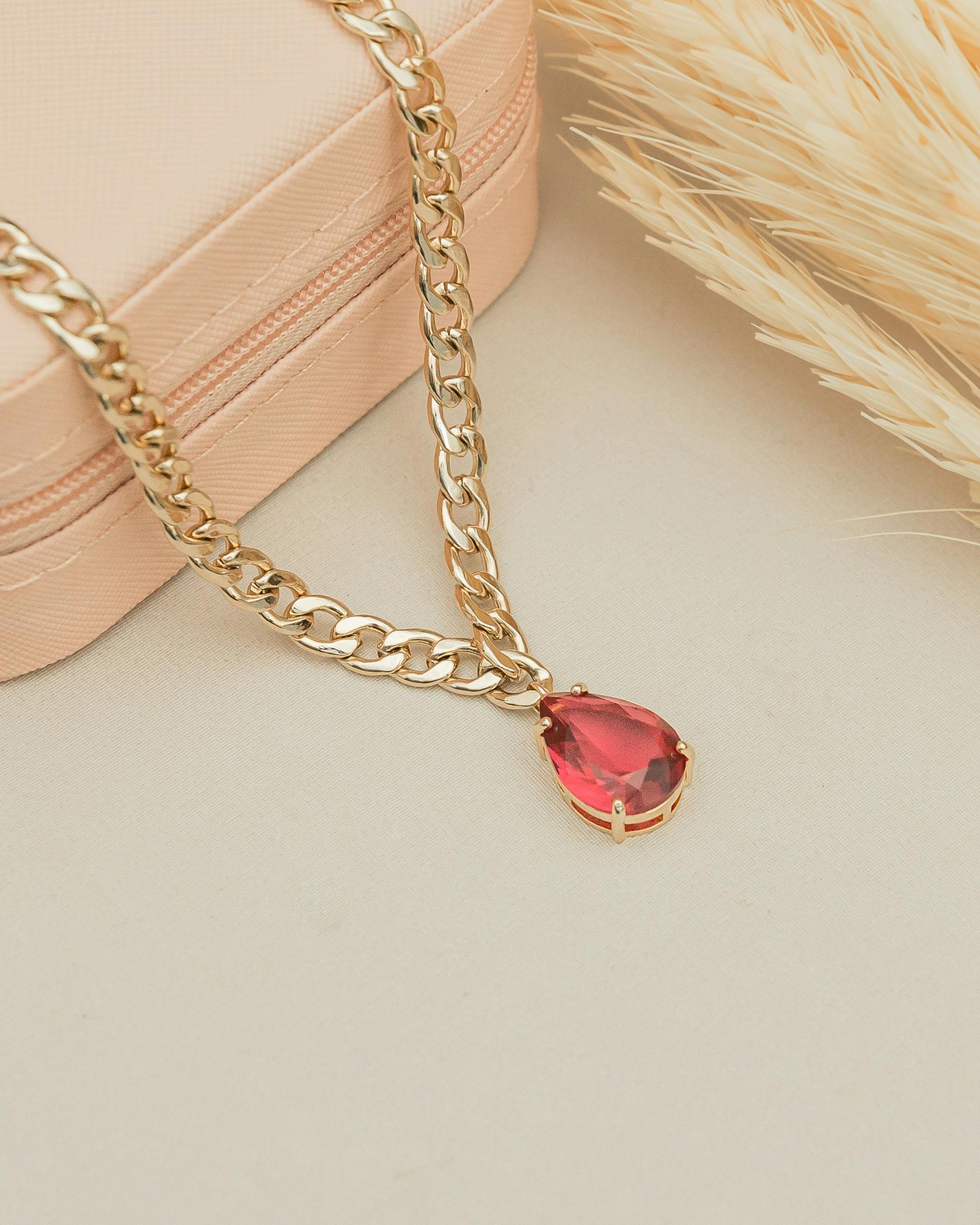
- Input Prompt:
a ring inspired by the image - Output Image:
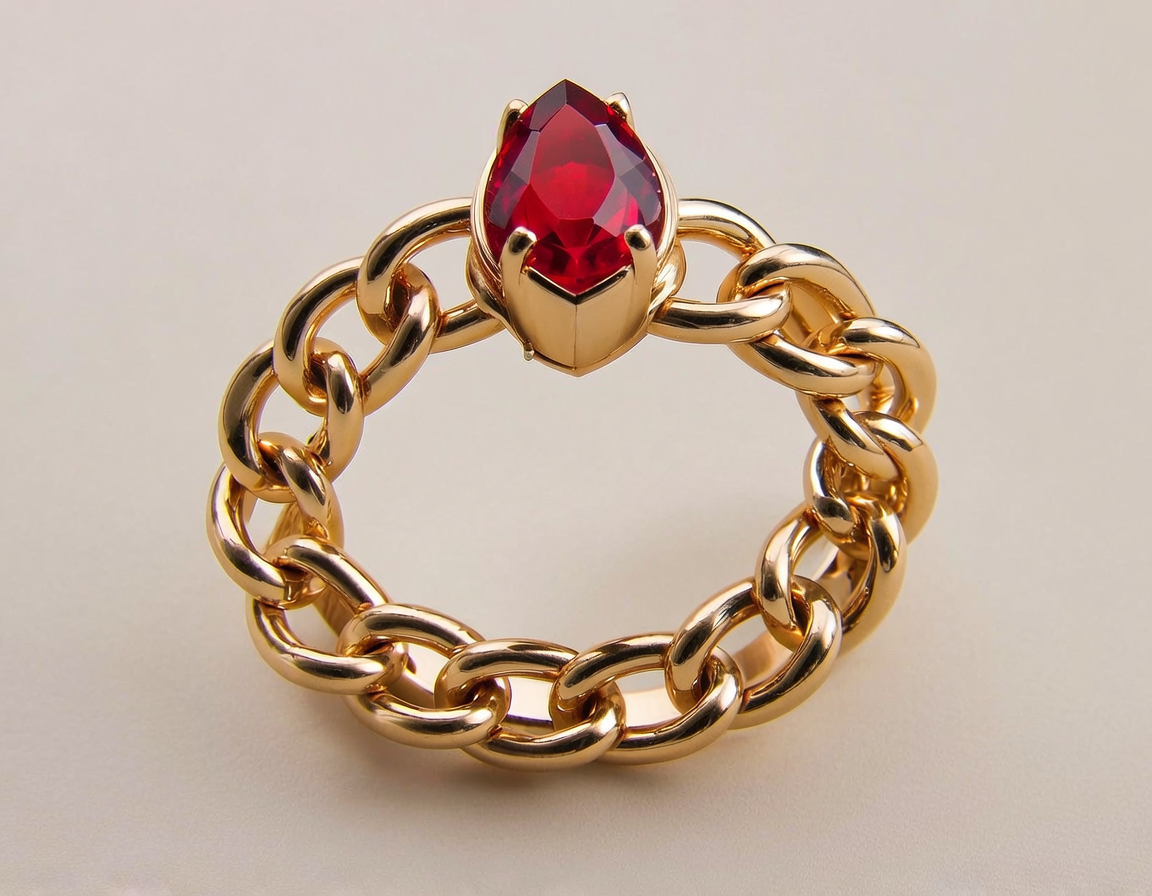
- Output
structured_prompt: The full structured JSON returned for this example is omitted here; the response carries it in full.
Use Case 3: Refining a previously generated image
Input Image (from previous response - shouldn't be part of the refine request):
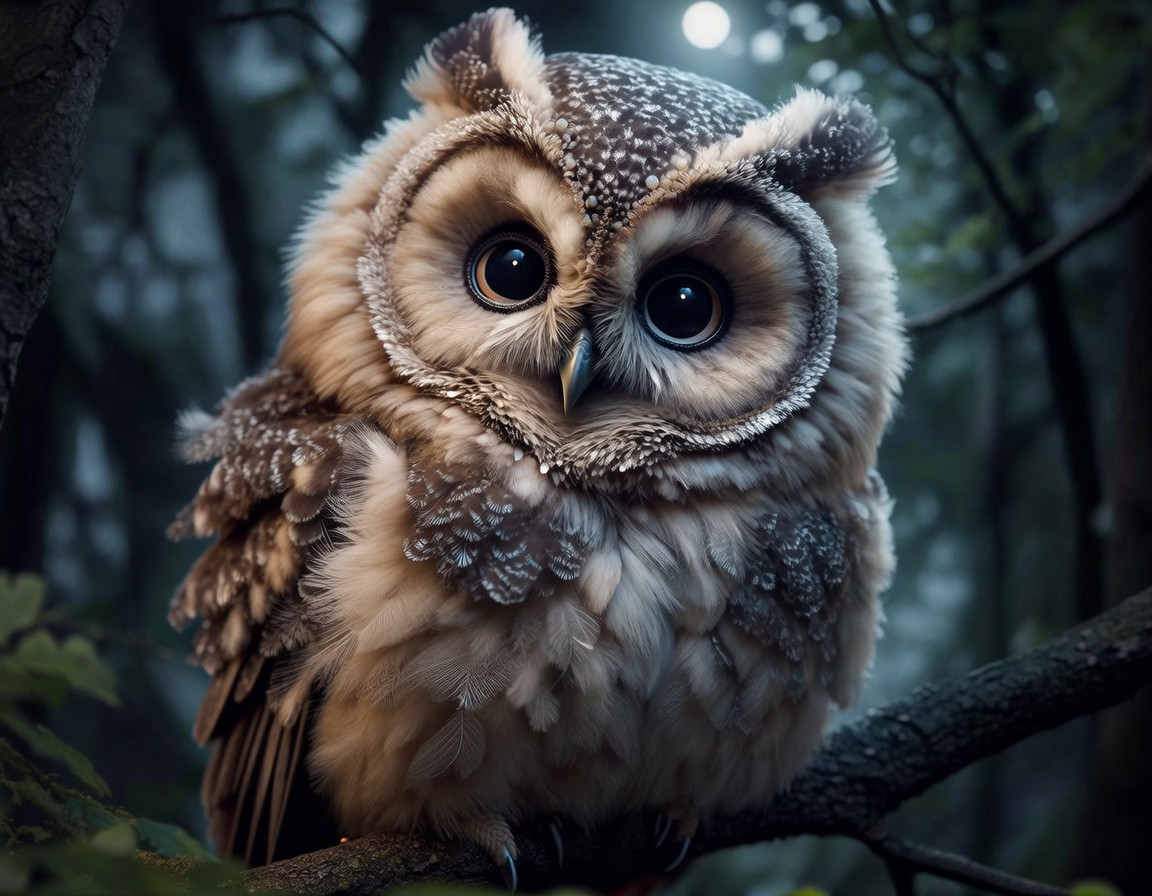
Input
structured_prompt(from previous response - should be part of the refine request, toegther with the seed of the visual result): The full structured JSON returned for this example is omitted here; the response carries it in full.Input Refinement Prompt:
add sunlightOutput Image:
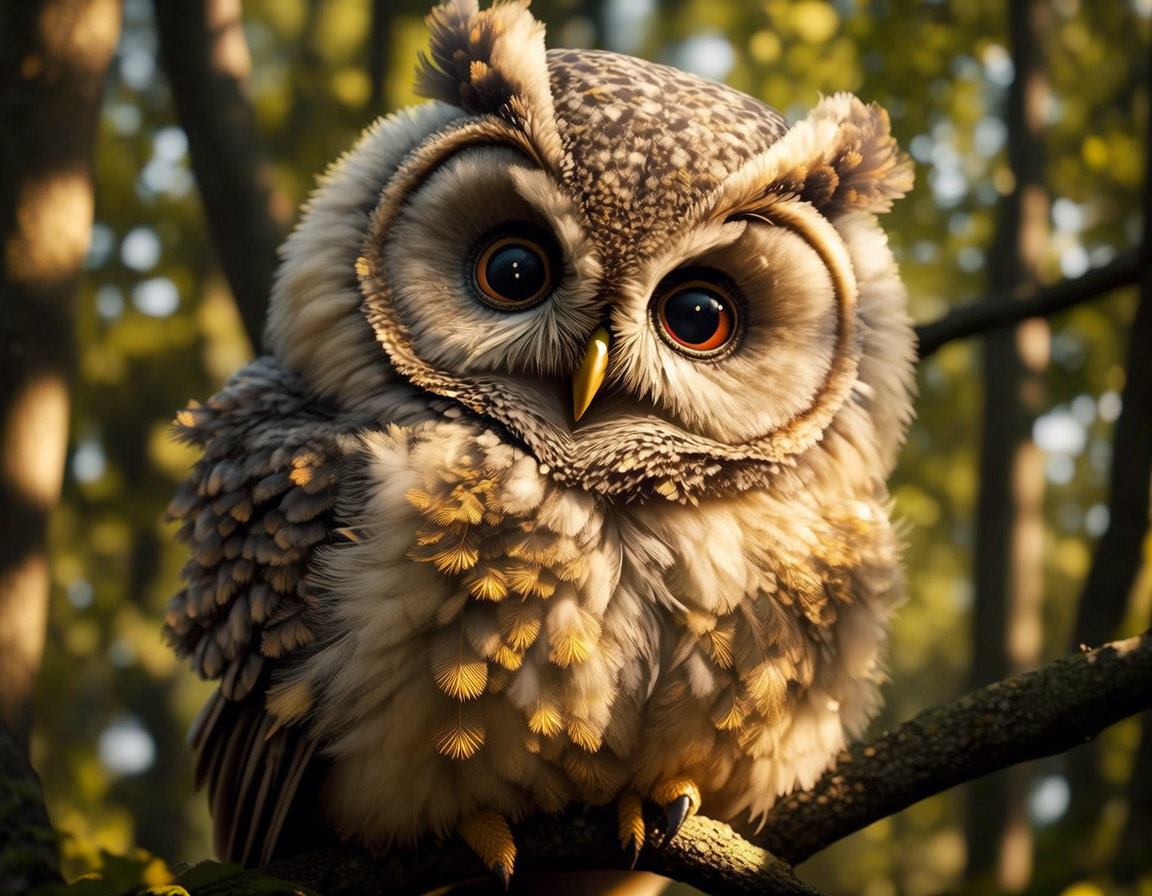
Output
structured_prompt(refined): The full structured JSON returned for this example is omitted here; the response carries it in full.
Text-based instruction. Can be used alone to create a new prompt, or as a refinement command with an images or structured_prompt.
Publicly available URL or Base64-encoded image. Currently supports a single image. Supported formats: JPEG, JPG, PNG, WEBP.
A string containing the structured prompt in JSON format. Use a structured_prompt from a previous generation's response or the /v2/structured_prompt/generate endpoint for precise refinement.
Output image resolution. "4MP" improves image details, especially for photorealism, but will increase latency by 30 seconds. 4MP is supported only on the asynchronous path, so it must be requested with sync set to false (the default). A synchronous 4MP request returns 422.
Image aspect ratio. This parameter is optional.
Seed for deterministic generation. Uses a random seed if omitted. This parameter is optional.
Response mode. This parameter is optional.
false(default): Asynchronous. Returns 202 with astatus_urlto poll.true: Synchronous. Holds the connection and returns 200 with the final result.sync: trueis not supported with aresolutionof4MP. 4MP is available on the asynchronous path only, and a synchronous 4MP request returns 422.
Optional URL for receiving the result via webhook when the async job completes. See webhooks.
If true, returns a warning for potential IP content in the prompt parameter. This parameter is optional.
If true, returns 422 on input prompt moderation failure in the prompt parameter. This parameter is optional.
If true, returns 422 on visual input moderation failure. This parameter is optional.
- Generate a new image using a textual prompt
- Generate an image inspired by a reference image
- Generate an image inspired by only a reference image
- Refine a previously generated image using its structured_prompt and seed
- Recreate a previously generated image
from bria_client import BriaSyncClient

client = BriaSyncClient()  # reads BRIA_API_TOKEN

response = client.run(
    endpoint="image/generate",
    payload={
        "images": [
            "https://bria-datasets.s3.us-east-1.amazonaws.com/api_doc/fibo/ref_1.jpg",
        ],
    },
)
print(response.result.image_url){ "result": { "image_url": "string", "seed": 0, "structured_prompt": "string" }, "request_id": "string", "warning": "string" }