Description
The Generate All Masks Route segments an image into every region the model can identify, and returns each region as its own binary mask.
Use it to build a full segmentation map of an image, then feed an individual mask into a mask-based route such as /erase or /gen_fill.
Output Characteristics
- Each mask is returned as a separate PNG at the same resolution as the input image, with the region set to 255 (white) and everything else to 0 (black).
- Masks are sorted by
confidence, best first.idis the position in that order, starting at 1. areais the number of white pixels in the returned mask, measured at the input image's resolution.- Masks may overlap, and one may contain another — a car and its rear window are returned as two separate masks. The same pixel can belong to several masks.
- Mask URLs are temporary and expire according to your organization's image retention policy. Download or copy any mask you intend to keep.
Example
One request returns every region the model finds, each as its own mask. The three below all came from the same call on the image shown.
| Input Image | Mask — road area 7,704,780 · confidence 1.000 | Mask — car area 1,404,681 · confidence 0.999 | Mask — person area 358,414 · confidence 0.971 |
|---|---|---|---|
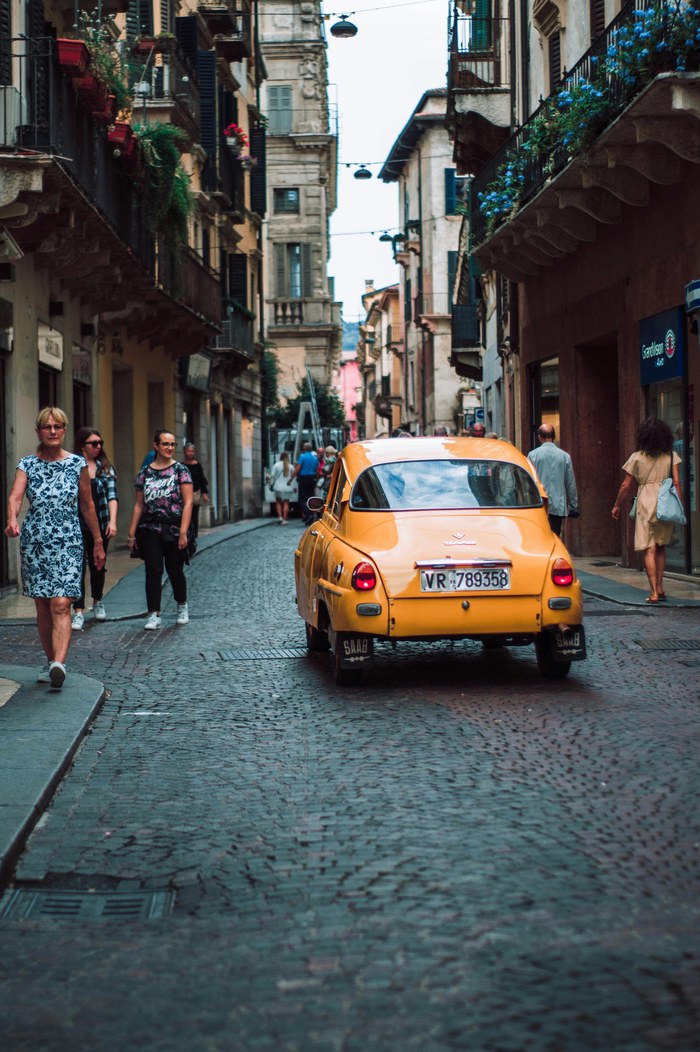 | 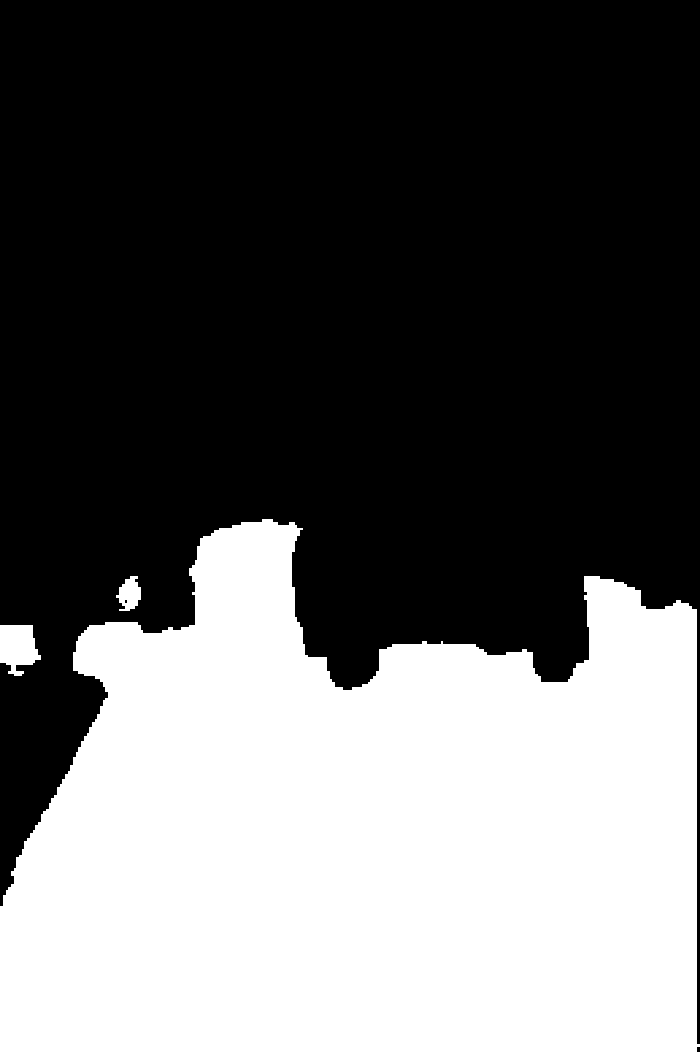 | 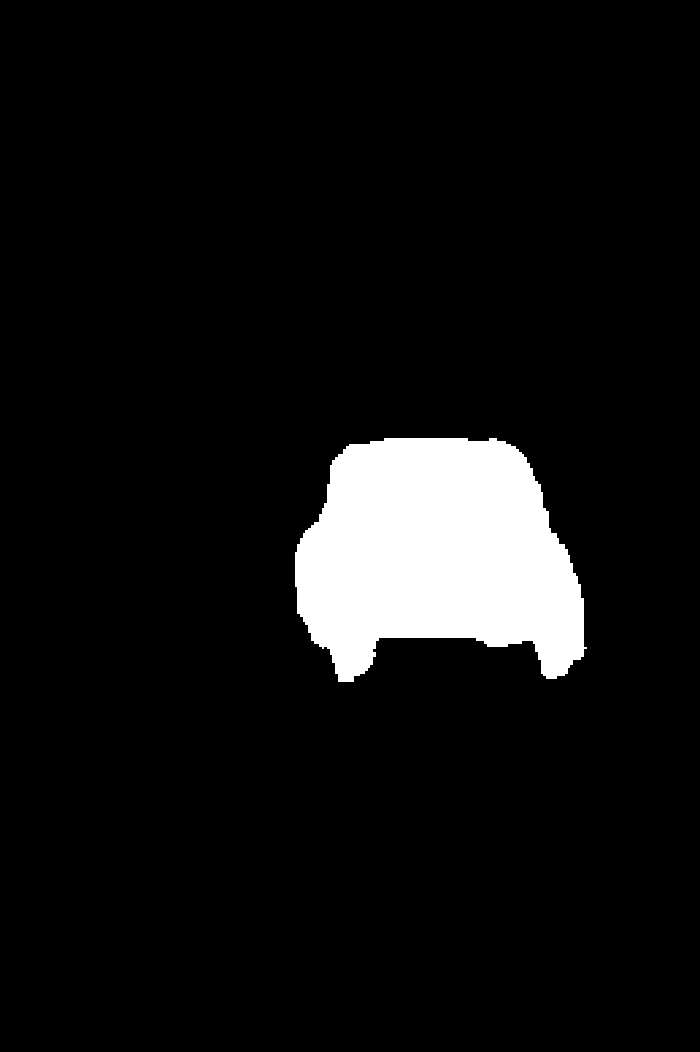 | 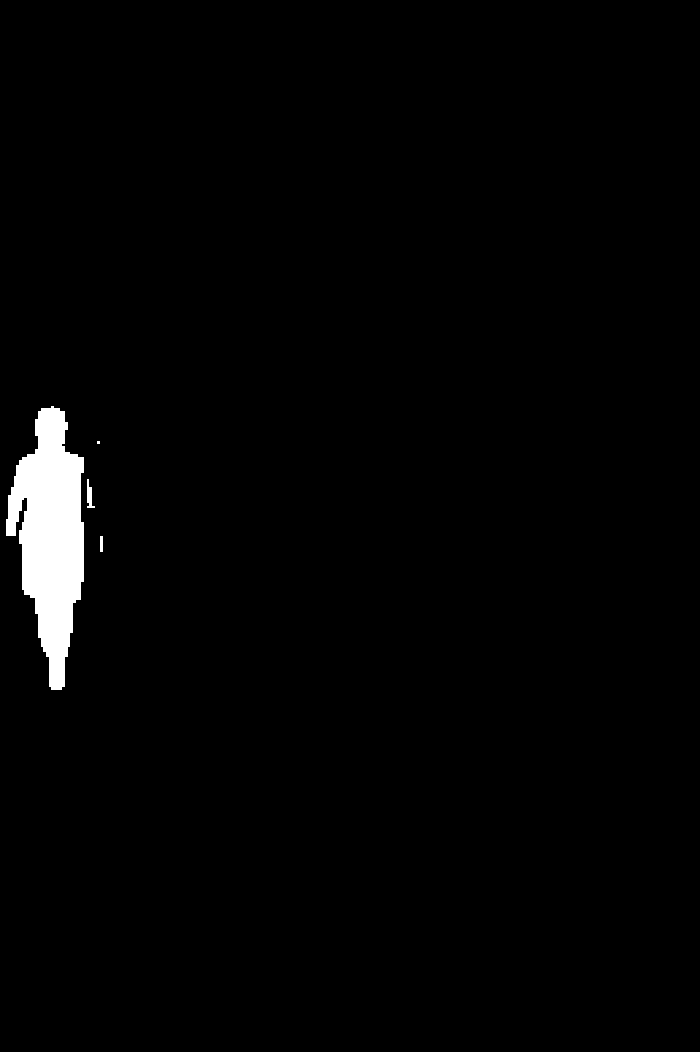 |
This request returned 65 masks. The labels above are ours, added for the example — the API returns no names for a mask, only id, area and confidence. Each pedestrian is a separate mask.
Choosing a mask
The model almost always returns one segment covering most or all of the image, and that segment is often ranked first by confidence. A featureless image returns exactly one such mask rather than an empty list.
A mask that covers the entire image cannot be used with /gen_fill, which requires a mask containing both black and white pixels and rejects an all-white one. Screening candidates by area avoids this.
Using a mask with /gen_fill and /erase
Neither /gen_fill nor /erase generates a mask for you — mask is a required parameter on both. A mask always comes from somewhere: a brush stroke drawn by your user, your own pipeline, or this route. Generate one here when you want the model to pick out the regions instead of asking a user to draw them.
/gen_fill also accepts a mask_type parameter, but it does not change how the mask is interpreted there; it is only meaningful for /erase. A mask from this route needs no particular value.
The mask you pass must have the same aspect ratio as the image. Masks from this route come back at the input image's resolution, so they already satisfy that when used with the image they were generated from.
Choosing between this route and the deprecated v1 route
New integrations should use this route. The older /v1/objects/mask_generator route returns a single ZIP archive of all masks plus a panoptic map, is deprecated, and orders its masks worst-first — the opposite of this route.
The source image to be handled by the API.
Supported input types:
- Base64-encoded string
- URL pointing to an image file that is publicly accessible and available at the time of processing.
Accepted formats: JPEG, JPG, PNG, WEBP.
Determines whether the request is handled synchronously or asynchronously.
false(default) – Returns202immediately with arequest_id. Track it through the Status Service.true– Blocks until segmentation completes and returns the masks in the response.
Optional URL to receive the result when an asynchronous job completes. See Webhooks.
Ignored when sync is true, since the result is returned on the request itself.
When enabled, the input image is screened before segmentation.
Expected behavior:
- Processing stops if the image fails moderation.
- Returns a
422error naming the parameter that failed.
The name content_moderation is accepted as an alias for backward compatibility with the v1 route.
from bria_client import BriaSyncClient

client = BriaSyncClient()  # reads BRIA_API_TOKEN

response = client.run(
    endpoint="image/segment/all_masks",
    payload={
        "image": "https://labs-assets.bria.ai/sandbox-example-inputs/eraser_image_example.jpg",
        "sync": True,
    },
)
print(response.result.masks){ "result": { "masks": [ { "id": 1, "image_url": "https://temp.bria.ai/9c4d61bbc940/25476897e0c146f380a3fdbb944ab18e/a4f.png", "area": 120560, "confidence": 1 } ] }, "request_id": "string" }